Claim your FETF Grant
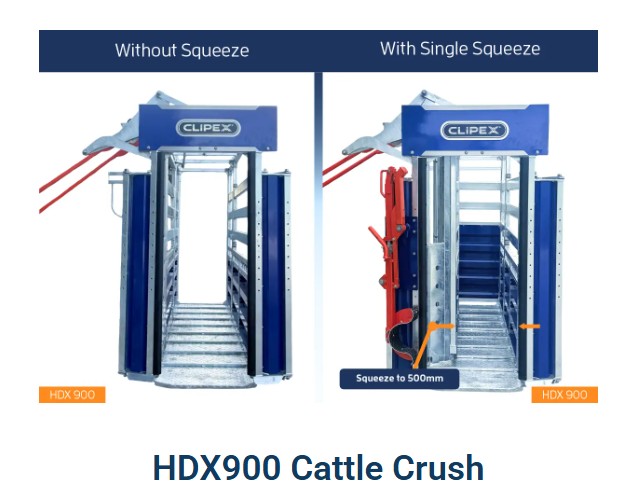
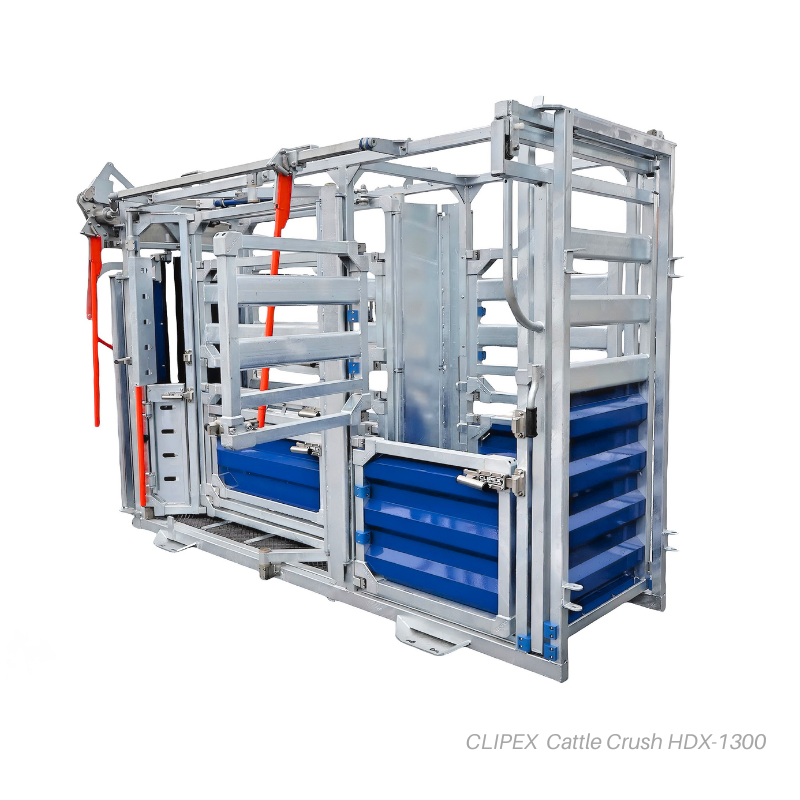
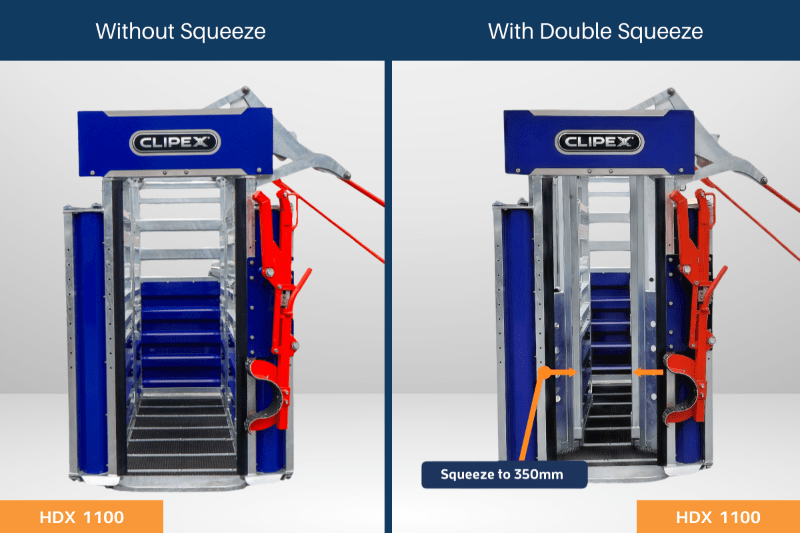
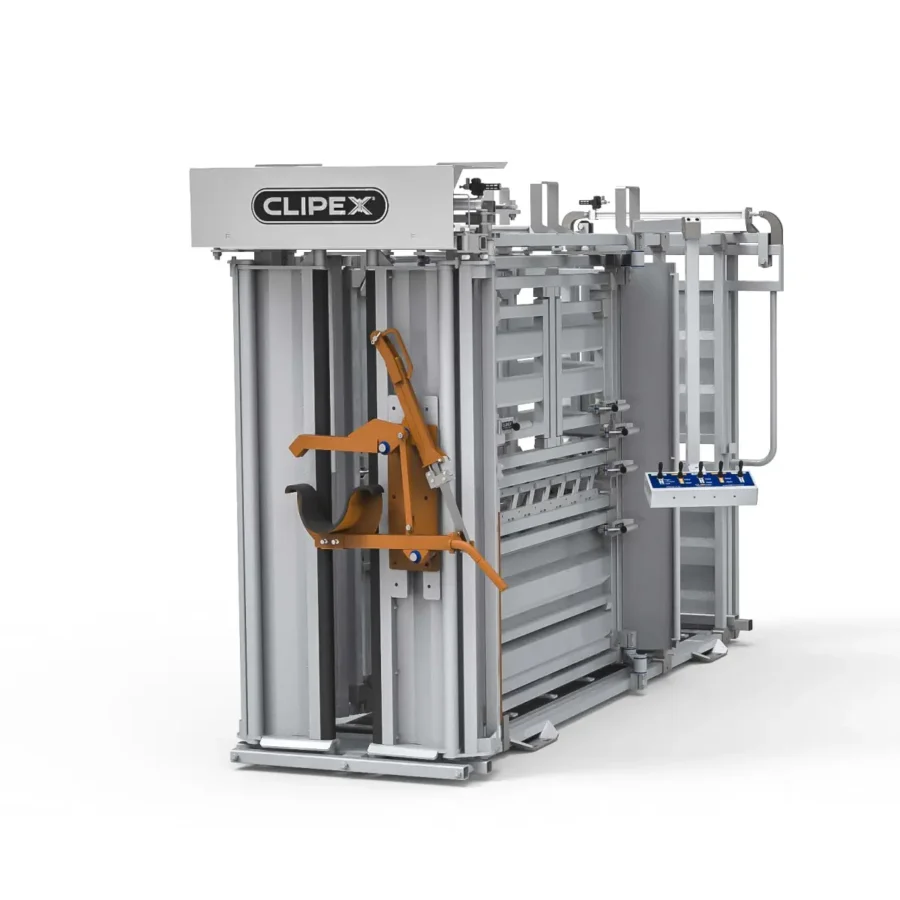
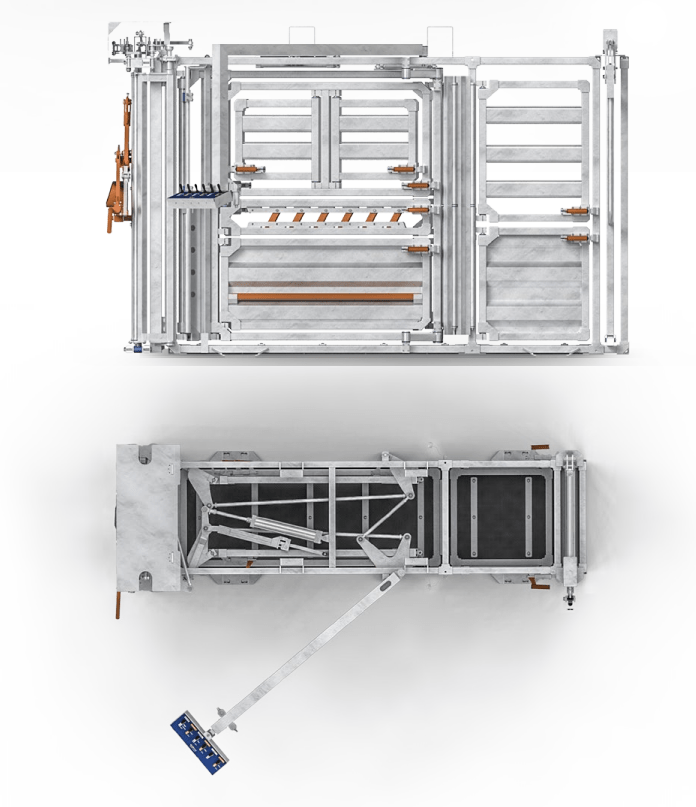
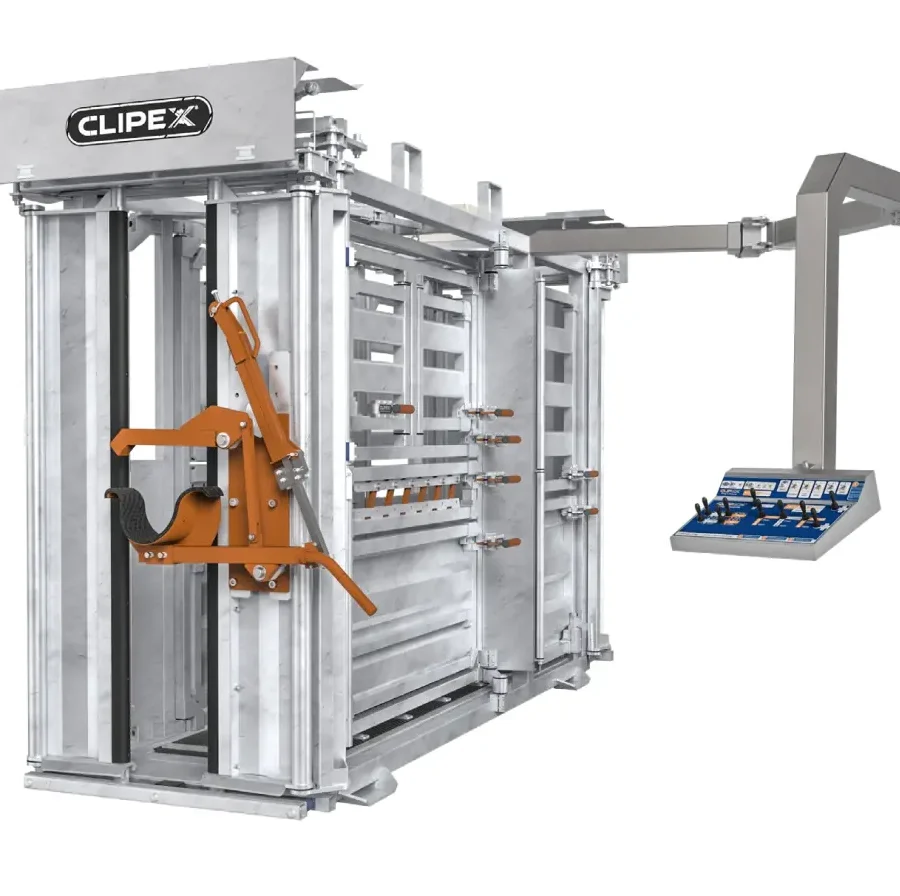
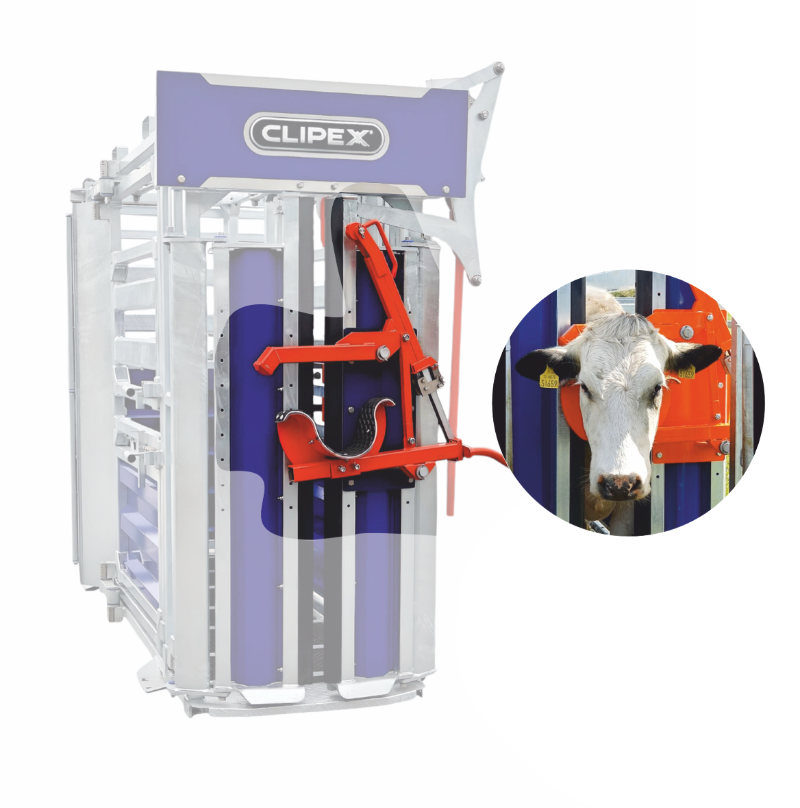
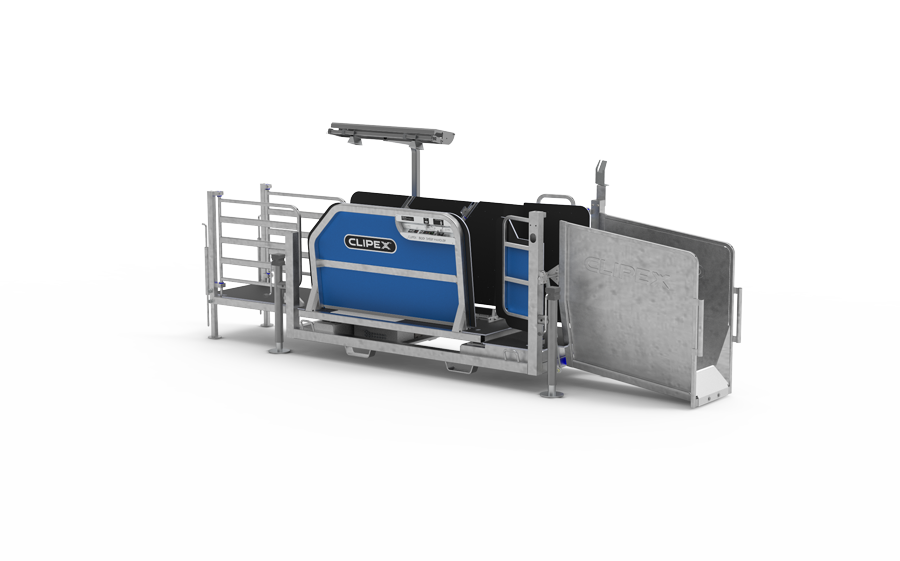
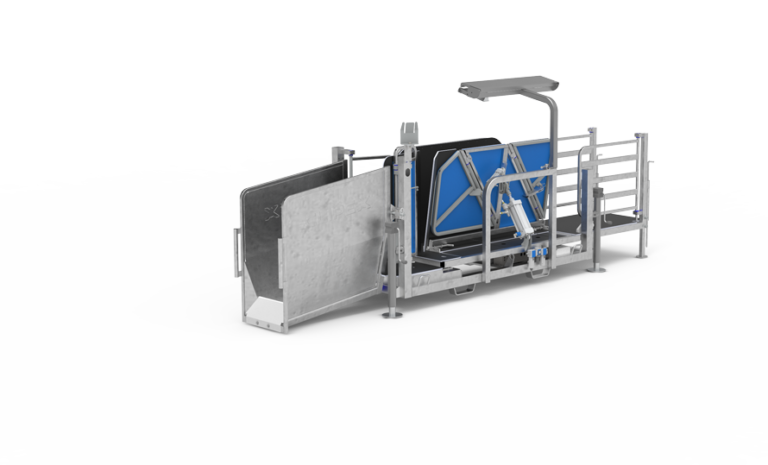
If you have recently opened your inbox and found a Grant Funding Agreement (GFA) from the Rural Payments Agency (RPA), congratulations. Securing an allocation from the highly competitive Farming Equipment and Technology Fund (FETF) 2026 is a major win for your business. Whether you are upgrading to an advanced Clipex cattle crush, installing a 3-way automatic drafting system, or investing in automated sheep handlers, you have cleared the first major hurdle.
However, receiving your GFA is not the end of the process. The hardest part for many farm businesses is actually getting the cash paid into their bank account. The RPA is notoriously meticulous when it comes to processing capital grant claims. A single missing serial number, an incorrectly formatted invoice, or an execution error can result in your claim being delayed for months or rejected entirely.
This in-depth guide breaks down exactly how to claim your FETF 2026 grant payment successfully, navigate the RPA’s strict post-approval compliance rules, and ensure your funding lands safely in your account before the absolute deadline.
The Golden Rule: The Absolute FETF 2026 Deadline
Before looking at paperwork, lock this date into your calendar, your phone, and your farm office wall:
The final deadline to submit your completed FETF 2026 claim and all supporting evidence is 11:59 PM on Tuesday, 20 January 2027.
There is no transition period, and there are no extensions. If your equipment arrives late, your payment fails to clear, or your email hits the RPA inbox at 12:01 AM on January 21, your grant will be canceled, and you will be left footing 100% of the bill. Because manufacturing, shipping, and installation lead times increase during the winter months, you must order your equipment immediately to secure a build slot well ahead of January.
Step 1: Locating and Understanding Your Embedded Claim Form
One of the most common pitfalls for farmers is simply finding the paperwork. Many successful applicants skim through their approval email, assume the official “form” will be hosted on a separate portal link closer to winter, and archive the message.
The RPA does not always make things obvious. Historically, your actual FETF claim form is embedded directly within the text at the bottom of your initial GFA email confirmation.
Dig out the original email sent to you when your application was approved.
Scroll past the legal text and terms until you reach the blank fields at the bottom.
This text structure is your claim form. You will need to fill this out carefully when your equipment is delivered.
Note: You must submit a completely separate claim form and individual batch of supporting evidence for each distinct grant theme (Productivity, Slurry Management, or Animal Health and Welfare) you were approved for.
Step 2: Sourcing Equipment and Handling Stock Issues
Every piece of equipment you buy must match or exceed the exact specifications outlined in your GFA. For example, if you applied for an automated squeeze cattle crush (FETF61), the unit you buy cannot be a standard manual budget option.
What if your chosen item is out of stock?
With thousands of farmers receiving funding simultaneously, supply chains face intense strain. If a supplier tells you an item is out of stock, do not buy an unapproved alternative, hoping the RPA won’t notice.
You must get written permission from the RPA to amend your GFA before you submit a claim. To request a specification modification or supplier swap, email ruralpayments@defra.gov.uk immediately. Your email subject line must strictly state your Single Business Identifier (SBI) and your FETF 2026 reference number. In the body, you must include:
The make, model, and quantity of the original item.
The exact technical specifications, make, and model of the replacement item.
Written email correspondence from suppliers proving the original item is unavailable.
Step 3: Formatting Your Invoices and Receipts Correctly
When you purchase your livestock handling systems from Farming Solutions Ltd, we ensure your paperwork is entirely bulletproof. If you use alternative or supplementary vendors, you must demand that your invoices are explicitly detailed.
The RPA inspectors will cross-examine your invoices line-by-line against your GFA. To pass, every invoice must include:
Clear Itemisation: The invoice cannot just say “Livestock Equipment – £12,000”. It must explicitly state the manufacturer’s name, exact make, model, and the relevant FETF code (e.g., Clipex HD1500 Pneumatic Double Squeeze Cattle Crush – FETF60).
Brand New Condition: The items must be explicitly marked as brand new or ex-display. Second-hand or home-built equipment is strictly ineligible.
Matching Quantities: The number of units delivered must perfectly mirror your original grant allocation.
Step 4: The Bank Statement Audit Trail
The RPA will verify that the grant applicant fully funded the livestock equipment before claiming the money back. This requires an unassailable audit trail.
The SBI Account Rule: The payment for your equipment must come directly from the business bank account that is officially registered and linked to your Single Business Identifier (SBI).
No Personal Cards: Do not pay for the machinery using a personal credit card, a director’s private account, or cash. Doing so breaks the chain of custody, and the RPA will reject the claim.
Cleared Funds Evidence: Your supporting evidence must include copies of bank statements showing the business name, account number, sort code, and the clear line item showing the funds leaving your account to the supplier.
Step 5: Serial Numbers and Photographic Proof
For the 2026 grant cycle, the RPA has doubled down on physical asset verification to prevent fraud. You cannot simply claim for a crate sitting in a box.
When completing your submission, you must provide the factory-stamped serial number for eligible items. When your equipment arrives from Farming Solutions Ltd, locate the metal identification plate on the chassis of your crush, handler, or electronic weigh system. Copy this number directly into your claim form and take a clear, high-resolution photograph of the plate insitu as supplementary evidence.
Submission Checklist: How to Send the Email
Once your equipment is fully paid for, delivered, and installed, it is time to submit your claim. Follow this strict operational workflow to bypass the RPA’s automated filtering software:
| Action Item | Verification Rule |
| Sending Address | The email must be sent from an email address registered and authorized on your Rural Payments profile. |
| Subject Line | Must precisely read: FETF 2026 Claim – [Your SBI Number] – [Your FETF Grant Reference] |
| Destination | Send the completed email packet directly to: ruralpayments@defra.gov.uk |
| Attachments | Check that the completed claim form, itemized supplier invoices, bank statements showing cleared funds, and serial number photos are all attached as clear PDFs or JPEGs. |
Keep an Eye on Your Inbox
After hitting send, look out for an automated acknowledgment email from the Rural Payments service. If you do not receive an automated confirmation within 24 hours, your email may have bypassed their system due to an incorrect subject line format. Call the RPA helpline immediately on 03000 200 301 to confirm receipt.
By keeping your paperwork tight, ordering your equipment early to avoid winter shipping bottlenecks, and ensuring your invoices match your SBI profile perfectly, you can secure your 50% funding smoothly.